Most teams use the Meta Ad Library the wrong way.
They open it, scroll through competitor ads, save the ones that look interesting, and close the tab. An hour later, they have a folder of screenshots and no clearer idea of what to test.
The problem isn't the library. It's the workflow. The Meta Ad Library is a source of inputs, not a source of answers. Treated correctly as raw material for hypothesis generation, it becomes one of the most useful competitive intelligence tools available to any Facebook advertiser.
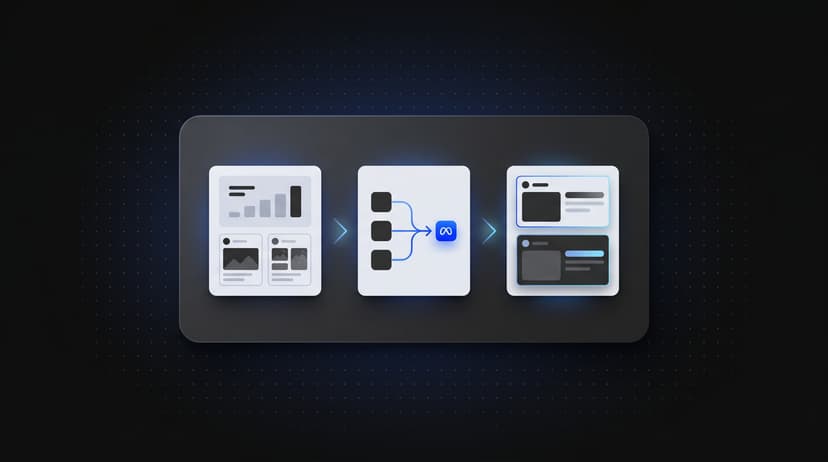
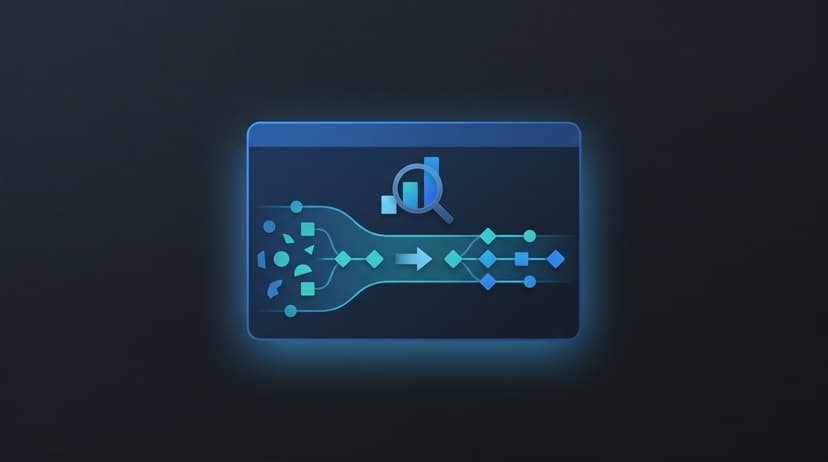
This guide covers the systematic approach: how to extract signal from the noise, turn patterns into testable hypotheses, and deploy variations at scale.
What the Meta Ad Library Actually Shows You (and What It Doesn't)
The Meta Ad Library lets you see any active ad currently running on Facebook or Instagram. For each ad you can see:
- The creative (image, video, or carousel)
- The primary text, headline, and CTA
- The destination URL
- The date the ad started running
- Whether multiple versions of the ad are active
It doesn't show performance metrics. No CTR, CPA, ROAS, or conversion rate. You're looking at what's running, not what's working.
Most competitor research fails because teams treat "active ad" as proof of success. Some ads are tests, some are legacy campaigns running on autopilot, and some are profitable — but you can't tell which without context.
The Ad Library shows hypotheses your competitor thought were worth testing. Your job is to decide whether it's worth your own test.
How to Identify Ads Worth Analyzing
Not all active ads deserve attention. Here's how to filter quickly:
High signal:
- Running 30+ days in a competitive category (longevity suggests effectiveness)
- Multiple active variants of the same core concept
- Sending traffic to a dedicated landing page rather than a homepage
- Video ads with professional captions (higher production cost indicates commitment)
Low signal:
- Started in the last 7–10 days
- Single ad, no variants
- Destination is a generic homepage or product category page
Actively skip:
- Vague aspirational messaging with no specificity
- No clear offer or CTA
- High frequency with no creative refresh (creative fatigue often sets in when frequency exceeds 3–5 for cold audiences)
For a given competitor, identify the 3–5 highest-signal ads and analyze those deeply.
The Extraction Framework: Turning One Ad Into a Dataset
Stop analyzing ads as wholes and start extracting components.
Every ad is a bundle of variables. Copying an ad copies all variables at once; extracting and testing individual variables compounds learning.
For each high-signal ad, extract:
| Variable | What to Record | Example |
|---|---|---|
| Hook type | First sentence or first 3 seconds | "Most media buyers are wasting 4 hours a week on this..." |
| Angle | Core narrative frame | Problem/solution, social proof, outcome-first, contrarian |
| Format | Creative type | UGC, talking head, static product, carousel |
| Offer framing | What the conversion ask is | Free trial, demo, direct purchase, lead form |
| CTA text | Exact call to action | "See how it works" vs "Start free" vs "Get a demo" |
| Specificity level | Vague vs specific claims | "Better results" vs "23% lower CPA in 30 days" |
| Proof type | Social proof used | Named testimonials, logos, stats, before/after |
Fill this for 10–15 competitor ads and patterns emerge:
- Which hook types dominate your landscape
- Whether competitors lead with outcomes or problem framing
- Whether your category converts on demo or trial offers
- How specific top performers get in claims
This is intelligence you can act on. A swipe file of screenshots isn't.
From Patterns to Hypotheses
After extracting datasets across multiple competitors, identify 2–3 consistent patterns. Each becomes a hypothesis:
Pattern observed: 4 out of 5 competitors run problem/solution hooks focused on time waste.
Hypothesis: Our audience is motivated by time recovery. Problem/solution hooks centered on time outperform benefit-first hooks.
Test: 3 variants with problem/solution time hooks vs. 3 variants with benefit-first hooks. Same visual, same offer, same CTA.
Pattern observed: Every competitor running 60+ day campaigns uses named testimonials with job titles and company names.
Hypothesis: Specific, credentialed social proof converts better than generic reviews.
Test: Ads with named testimonials vs. generic social proof.
90 minutes of structured Ad Library research generates hypotheses to keep your testing calendar full for weeks. Creative quality accounts for up to 56% of a campaign's ROAS variation (Nielsen and Meta research).
Deploying at Scale
Hypothesis generation only has value if you can test at volume.
Manual ad creation in Ads Manager takes 15–30 minutes per variation. A 12-variation test would take a full day. By then, the window identified in competitor research may have closed.
The workflow that reduces setup time:
- Extract variables and patterns from the Ad Library (60–90 minutes)
- Form 2–3 hypotheses
- Use Claude Code to generate structured copy variations
- Format variations into a bulk upload file
- Deploy via a Facebook ads uploader like Instrumnt in a single batch
Teams using this approach go from observation to 20+ live test variations in one afternoon. Each Ad Library session becomes an input to a pipeline.
For a detailed workflow, see Meta Ads Bulk Upload Workflow: A Step-by-Step Operations Guide.
Reading Results and Closing the Loop
After 7–14 days, bring learnings back:
- Which hypothesis was confirmed?
- Which competitor pattern didn't transfer?
- What new patterns emerged in your own data?
Competitor research is a repeating loop: observe patterns → form hypotheses → test → learn → refine mental models → observe patterns again.
Each loop produces better hypotheses and informs future research.
Common questions about Meta Ad Library competitor research
Does the Meta Ad Library show performance data for competitor ads?
No. It shows active ads with creative, copy, and destination URL — no CTR, CPA, or ROAS. Infer performance from longevity, variant count, and dedicated landing pages.
How do I know which competitor ads perform well?
Look for ads running 30+ days in competitive categories, multiple active variants, and dedicated landing pages.
How many competitor ads should I analyze before forming a hypothesis?
10–15 high-signal ads across 3–5 competitors is a baseline. Structured analysis of fewer ads beats large unstructured swipe files.
Can I use benchmarks to compare my findings?
Yes. WordStream's Facebook Ads benchmarks provide CTR, CPC, and performance metrics for reference.
Where can I learn more about Meta ad strategies?
Meta Blueprint and Meta Ads Guide provide official tutorials and best practices.
Are there tools to streamline bulk ad deployment?
Yes. Platforms like Meta Partner Directory list partners and tools to assist in bulk ad creation and testing.
Related reading
- FB Ads Library Won't Show You Winners
- Find Competitor Ad Landing Pages at Scale
- Automate Creative Testing for Meta Ads
Meta's family of apps reaches 3.29 billion daily active people (Meta Q4 2024 earnings report), highlighting the potential audience for well-structured campaigns. Average Facebook CPC is $0.94 across all industries (WordStream 2024 benchmarks).