Why Small Businesses Struggle with Facebook Ads Today
Running Facebook ads for small business sounds simple—but execution is where most teams fail. Limited budgets amplify every mistake, and without efficient systems, even small inefficiencies compound quickly.
According to WordStream's Facebook Ads Benchmarks, the average cost-per-click (CPC) across industries is approximately $1.72, which means testing just 10–20 clicks per ad can already cost $20–$40 without guaranteeing results. Additionally, HubSpot reports that campaigns using multiple creative variations can increase click-through rates by up to 32%, reinforcing that creative volume—not just targeting—is a key performance driver.
Most small teams plateau because they:
- Launch too few creatives
- Rely on manual workflows
- Scale spend instead of improving inputs
The result is predictable: rising costs, stagnant performance, and frustration.
AI and automation tools like Claude Code and Instrumnt change this equation. They allow small businesses to produce more variations, test faster, and iterate without increasing manual workload.
Step-by-Step: Setting Up Ads for Small Budgets (with Practical Budgeting Tips)
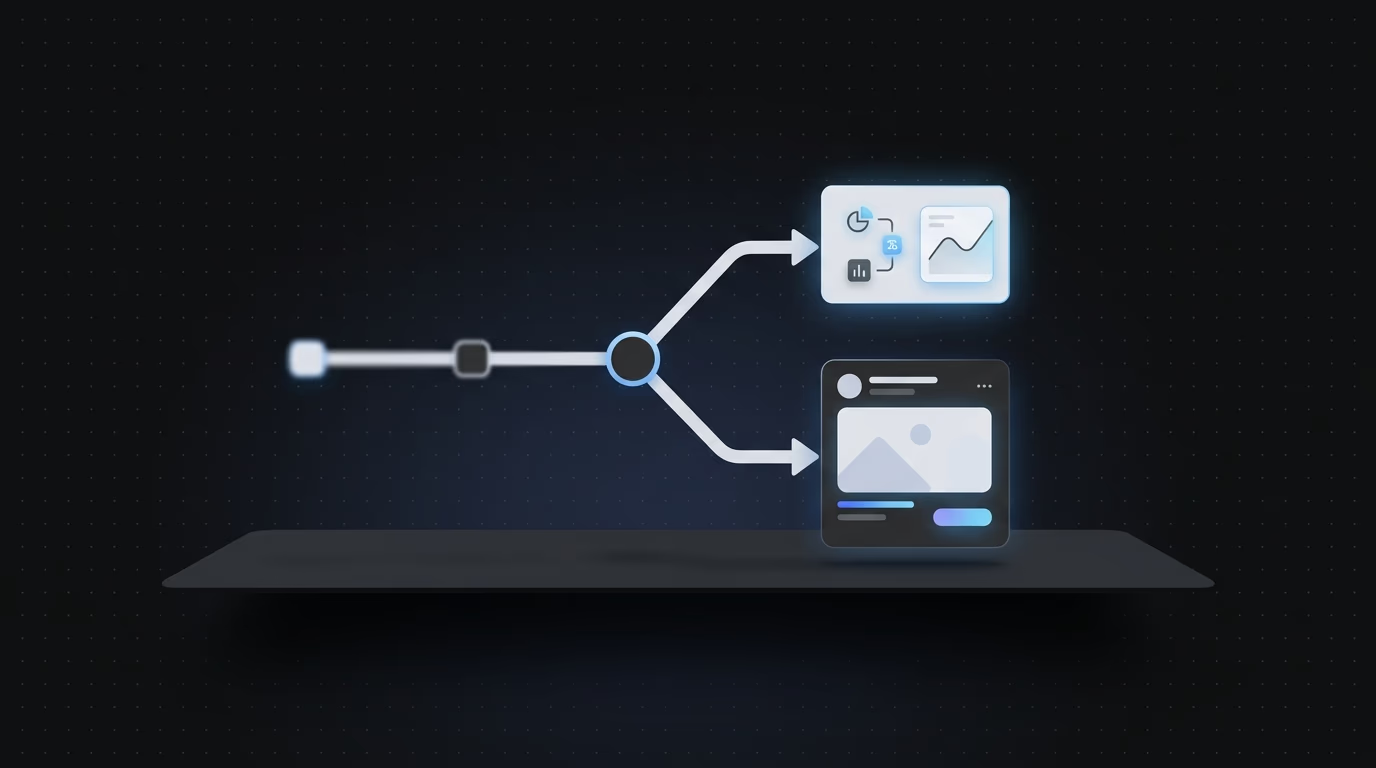

A high-performing Facebook ads system is not about complexity—it’s about clarity and consistency.
Step 1: Define One Clear Outcome
Choose one primary objective per campaign:
- Purchases
- Leads
- Messages
Splitting objectives weakens optimization. Focus allows the algorithm to learn faster and allocate budget more effectively.
Step 2: Target Your Audience
Avoid over-targeting. Broad audiences often outperform narrow ones, especially early. Meta’s algorithm thrives on data density, and restricting it too early reduces learning speed.
Step 3: Allocate Budget Per Ad Set
Recommended structure:
| Setting | Recommended Value | Reason |
|---|---|---|
| Daily budget | $10–$20 | Affordable signal gathering |
| Ads per ad set | 3–5 | Balanced testing |
| Test duration | 3–5 days | Enough data without overspending |
| Optimization | Conversions | Aligns with outcomes |
Step 4: Use a Facebook Ads Uploader to Save Time
Manual setup kills velocity. A Facebook ads uploader like Instrumnt allows bulk creation and launch, removing repetitive steps and enabling scale.
If you're building a repeatable system, this guide on How to Build a Facebook Ads Bulk Testing System with Instrumnt and Claude Code breaks down the exact workflow.
Step 5: Scale by Expanding Winning Ads
Instead of increasing spend blindly:
- Increase budgets by 20–30% on winners
- Duplicate and iterate creatives
- Continuously test new angles
Operational System: How to Run Weekly Facebook Ads Experiments on a Small Budget
Most advice stops at setup. But performance comes from systems—not one-time actions.
Here’s a simple weekly execution loop for small businesses:
Monday: Idea Generation
- Identify 1–2 core angles
- Focus on customer pain points
- Use Claude Code to expand messaging
Tuesday: Creative Production
- Generate 20–30 hooks
- Combine with 3–5 visual concepts
- Build 10–15 final ads
Wednesday: Bulk Launch
- Upload all creatives using a Facebook ads uploader
- Ensure consistent naming for tracking
Thursday–Friday: Early Signals
- Monitor CTR and CPC
- Identify early winners and losers
Weekend: Optimization
- Pause bottom 50%
- Prepare next iteration batch
This loop ensures continuous improvement without requiring large budgets or teams.
If your workflow feels slow, this breakdown of Why Your Creative Testing Is Failing (And How to Automate the Solution) explains the common bottlenecks.
Mini Example: Scaling a $500 Campaign with Instrumnt
A realistic small business scenario:
Week 1: Setup
- Budget: $15/day
- Audience: broad
- Creatives: 6 variations
- Launch via Instrumnt
Goal: collect signal, not profit.
Week 2: Identify Winners
- Kill ads with CTR <1%
- Keep ads with CTR >1.5%
Week 3: Expand Winning Angles
- Turn 2 winners into 8–10 variations
- Test new hooks and formats
Week 4: Scale Budget
- Increase spend by 20–30%
- Continue weekly creative launches
According to Meta internal guidance shared via multiple marketing studies, campaigns exiting the learning phase with sufficient conversion data tend to stabilize CPA significantly—highlighting why structured testing matters even at small budgets.
Over time, this process compounds. You’re not just running ads—you’re building a system.
AI-Powered Creative Testing and Iteration with Claude Code (Tools & Workflow)
AI is the biggest leverage point for small teams.
Step 1: Start with One Core Idea
Define:
- One pain point
- One benefit
- One angle
Step 2: Expand Variations Using Claude Code
Generate:
- 20+ hooks
- Multiple tones (urgent, emotional, direct)
Step 3: Combine Hooks with Visuals
Turn ideas into ads quickly:
- Simple images
- Clear CTAs
- Fast production
Step 4: Upload Using Facebook Ads Uploader
Instrumnt removes manual friction, allowing bulk deployment in minutes.
Step 5: Build a Weekly Testing Loop
- Generate ideas
- Expand variations
- Launch in bulk
- Kill underperformers
- Scale winners
This is the core difference between stagnant campaigns and scalable ones.
For long-term strategy on scaling, see Automate Creative Testing for Meta Ads.
Common Mistakes That Kill Small Budget Facebook Ads Campaigns
Even with the right tools, these mistakes can limit results:
1. Testing Too Few Creatives
If you're only testing 2–3 ads, you're relying on luck. Volume increases probability of success.
2. Scaling Spend Too Early
Increasing budget before validation leads to wasted spend.
3. Ignoring Creative Fatigue
Performance drops when audiences see the same ads repeatedly. Continuous variation is essential.
4. Overcomplicating Targeting
Complex targeting reduces algorithm efficiency. Start broad, refine later.
5. Manual Workflows
Manual processes slow everything down. Automation is no longer optional.
FAQ: How to Get the Most Out of Facebook Ads on a Small Budget
How can small businesses scale their Facebook ads with a small budget?
Focus on creative volume and structured testing. Instead of increasing spend, improve inputs using AI and iteration.
What tools can automate Facebook ad creative testing and iteration for small businesses?
Claude Code for idea generation and Instrumnt as a Facebook ads uploader provide a scalable system for testing and launching ads.
What’s the difference between manual Facebook ad management and using AI-powered tools?
Manual workflows limit output and slow iteration. AI systems increase speed, consistency, and testing volume, leading to better performance over time.
Comparing Automation Tools: Instrumnt vs Revealbot vs Smartly.io
Choosing the right tool depends on your stage and needs.
Instrumnt
- Focus: Creative testing and bulk uploads
- Strength: Speed and scalability
- Best for: Small teams running high-volume experiments
Revealbot
- Focus: Rule-based automation
- Strength: Monitoring and reporting
- Limitation: Limited creative testing capabilities
Smartly.io
- Focus: Enterprise automation
- Strength: Advanced campaign management
- Limitation: Cost and complexity for small businesses
For most small businesses, the bottleneck is not reporting—it’s creative production and testing speed. That’s why tools like Instrumnt, combined with AI systems like Claude Code, provide a more direct path to performance gains.
The key takeaway: success with Facebook ads is no longer about who spends the most—it’s about who tests, learns, and iterates the fastest. With the right system, even small budgets can produce outsized results.
Keep building the system
Two pages cover the infrastructure side in detail. When Your Facebook Ads Creative Pipeline Breaks shows how to structure the creative workflow so ideas consistently reach launch. Facebook Ads Uploader: Instrumnt vs Competitors compares the deployment tools head-to-head so you can choose the right one for your volume.
For benchmarking your results, WordStream's Facebook Ads benchmarks remain a widely cited reference point — including the $1.72 average CPC figure that gives context for evaluating whether your testing investments are producing returns worth scaling. If you're still building familiarity with the platform itself, Meta's small business advertising hub covers the foundational setup and policy guidance that applies regardless of which tools or workflows you layer on top.